Sign up with Euron today : https://euron.one/sign-up?ref=940C6863
Project Resource Link : https://euron.one/course/project-agentic-ai
One Student One Subscription
Euron Plus – https://euron.one/personal-plan/aa2904bd-b41c-407a-b912-9dd8c75d5637?ref=940C6863
Call or WhatsApp us at: +91 9019065931 / +91 9771695888.
Kickstart your programming journey with this comprehensive and beginner-friendly video.
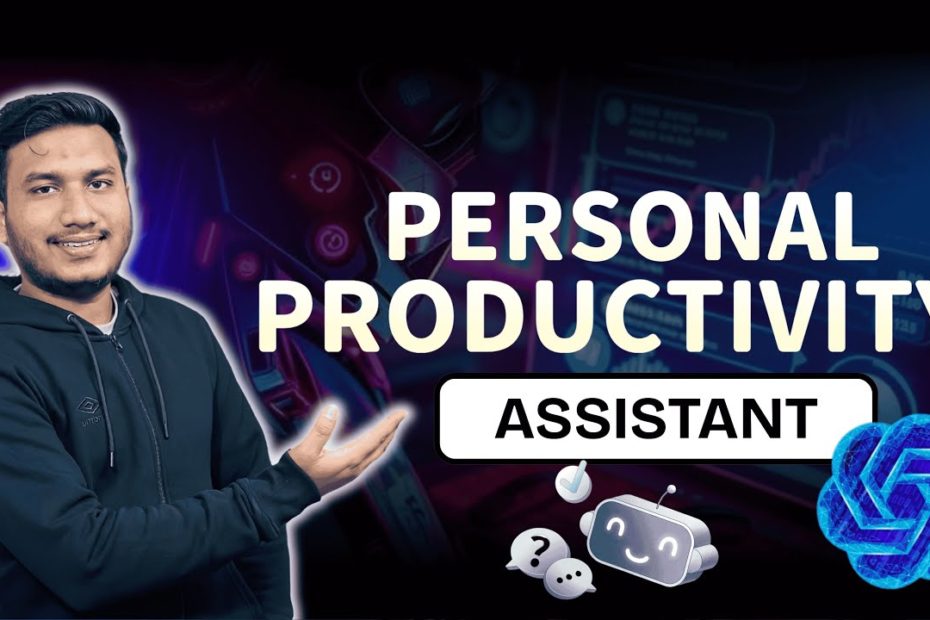
In this video, you’ll learn how to build and deploy a productivity app using Flask and AI from scratch. Perfect for beginners and those looking to enhance their Python skills, this step-by-step guide ensures you master the fundamentals while diving into practical, real-world applications.
💡 What You’ll Learn:
– How to set up and structure a Python project using Flask.
– Integrate AI capabilities to create a personal productivity assistant.
– Store and retrieve data using vector databases like ChromaDB.
– Deploy your app to the cloud with a CI/CD pipeline for seamless updates.
– Utilize tools like Docker, AWS, and GitHub Actions for professional-grade deployment.
📌 Why Watch ?
– Perfect for beginners looking to learn Python and Flask development.
– Gain practical experience with AI integration in real-world projects.
– Hands-on guidance to build, test, and deploy applications like a pro.
🎯 Get Started Today!
Hit play and code along to create your productivity app while learning essential programming and deployment skills. Don’t miss out—like, subscribe, and hit the notification bell to stay updated on more tutorials like this!
#PythonTutorial #CodingForBeginners #LearnProgramming #EuronTech
#devops #pythonanywhere #docker #flasktutorial #deployflaskapponaws
CHAPTERS:
00:00 – Introduction
00:27 – Project Architecture
05:21 – Technology Stack Overview
08:19 – Project Folder Structure
10:48 – Setting Up GitHub Repository
12:02 – Environment Configuration
17:58 – Creating Folder Structure with Template.py
18:56 – Setting Up Requirements.txt
21:31 – Developing IngestData.py
22:13 – Creating Environment File
27:20 – Document Creation Process
28:59 – Initializing Embedding Model
29:15 – Data Chunk Creation
30:29 – Storing Data in Vector Database
32:24 – Writing model.py File
34:50 – Completing Static and Template Files
35:50 – Developing app.py File
38:00 – Running App Locally
40:00 – Deploying App on AWS Cloud
42:12 – Continuous Integration and Continuous Delivery (CICD)
43:33 – Understanding CICD
48:55 – Overview of CICD Tools
49:36 – Deployment Services Overview
51:12 – Accessing Source Code
54:08 – Creating Dockerfile
54:16 – Setting Up .github/workflows/cicd.yml
55:33 – Creating IAM User
57:29 – Setting Up ECR Repository
58:35 – Launching EC2 Instance
01:01:51 – Connecting GitHub with Self-Hosted Runner
01:04:09 – Adding GitHub Secrets
01:07:54 – CI/CD Process Completed
01:08:35 – Accessing the Chatbot
01:10:35 – Cleanup Process
01:11:51 – Source Code Analysis and Deployment
01:12:17 – Conclusion
Instagram: https://www.instagram.com/euron_official/?igsh=Z3A3cWgzdjEzaGl4&utm_source=qr
WhatsApp :https://whatsapp.com/channel/0029VaeeJwq9RZAfPW9P2l07
LinkedIn: https://www.linkedin.com/company/euronone/?viewAsMember=true
Facebook: https://www.facebook.com/people/EURON/61566117690191/
Twitter :https://x.com/i/flow/login?redirect_after_login=%2Feuron712